Technology Support for Parents
The calls come at 7 p.m.: the TV is on the wrong input, the printer is possessed, the email won't open. The family tech-support job is endless until it becomes a system. This page is the help-desk setup that cuts the calls, and the one-page guide that answers most of them without a call at all.
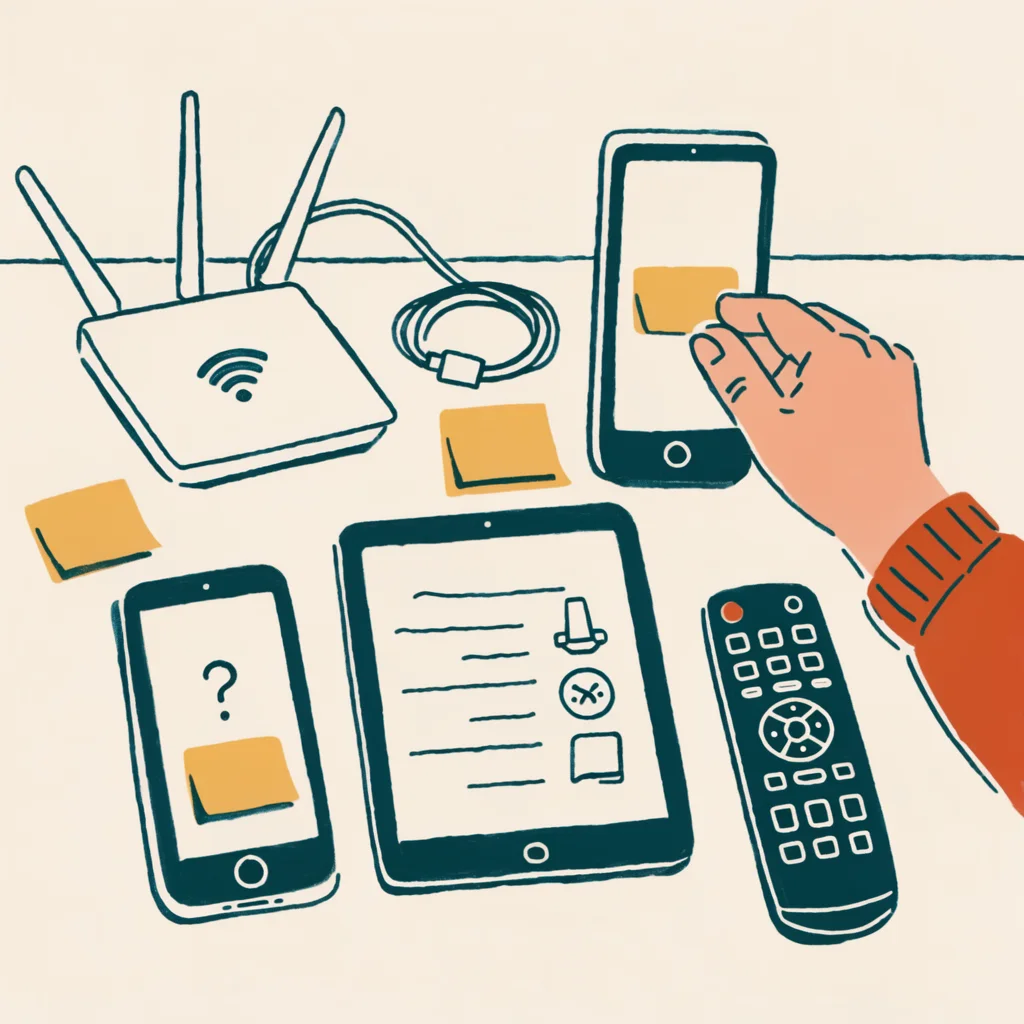
family help desk
The next tech problem should already have a card next to it.
A written device guide turns the usual emergency call into a quick check: what is on the screen, what button to press, and who to call if that fails.
make the next problem solvable without a call
The family help desk map
The goal of family tech support is to make the next problem solvable without a call: one written guide, one calm script, and a named escalation path, so the help-desk routine replaces the rescue service.
- The one-page device guideMove the solution onto paperFor each device, one page: the power button, the volume, the home screen, the two most common problems, and the fix for each, in large print, next to the device. The Explain It tool generates exactly these steps.
- Habit 1One calm question first"What is on the screen right now?" Most diagnoses come from that sentence, and it keeps the call calm and specific instead of vague and anxious.
- Habit 2-3Never fix it remotely and hang upTell the parent what was done in one sentence and write it on the device guide, and schedule the check-in on a cadence, the same way the phone cleanup and computer cleanup happen: in a routine, not a crisis.
- The password lineThe parent keeps their own passwordsThe family supports the parent's devices, but the parent keeps their own passwords and the consent rules still apply: support is not takeover.
The rule, in one sentence: the goal of family tech support is to make the next problem solvable without a call: one written guide, one calm script, and a named escalation path.
Why the calls never stop (until they do)
The parent calls because the problem is invisible to them and the solution lives in the family's head. The fix is to move the solution from the family's head onto paper next to the device. The family tech support guide is the base; this page adds the system that makes it sustainable: a help-desk routine instead of a rescue service.
The one-page device guide
For each device the parent uses, write one page: the power button, the volume, the home screen, the two most common problems, and the fix for each. Put it next to the device, in large print. The Explain It tool generates exactly these steps, and the iPhone and Android guides cover the display settings that make everything easier.
The help-desk habits
- One calm question first: "What is on the screen right now?" Most diagnoses come from that sentence.
- Never fix it remotely and hang up. Tell the parent what you did in one sentence and write it on the device guide.
- Schedule the check-in, the same way the phone cleanup and computer cleanup happen on a cadence, not in a crisis.
- Protect the password line. The family supports the parent's devices; the parent keeps their own passwords and the consent rules still apply.
The escalation rule
Some problems are not family problems: a hardware failure, a virus, or a device that needs a professional. The family's job is triage: try the one-page guide, try one remote session, then hand it to a trusted local technician. The fake tech support scam is exactly why the escalation path must be the family's own list, never a number from a popup or a call.
The scam guardrail
The parent who knows the family has a system is the parent who calls the family instead of the number on the screen. The one-line rule from the scam playbook applies to tech support too: "If anyone calls or pops up about my devices, I call my family."
Related guides
Sources & verification
This page is checked against the standards in our editorial policy, preferring government sources for security guidance. Reviewed August 2026:
- CISA: Use Strong Passwords (retrieved August 2026)
- FTC: How To Avoid a Scam (retrieved August 2026)
Found an error? Report it: we log and correct material mistakes publicly.
Found an error? Report it.