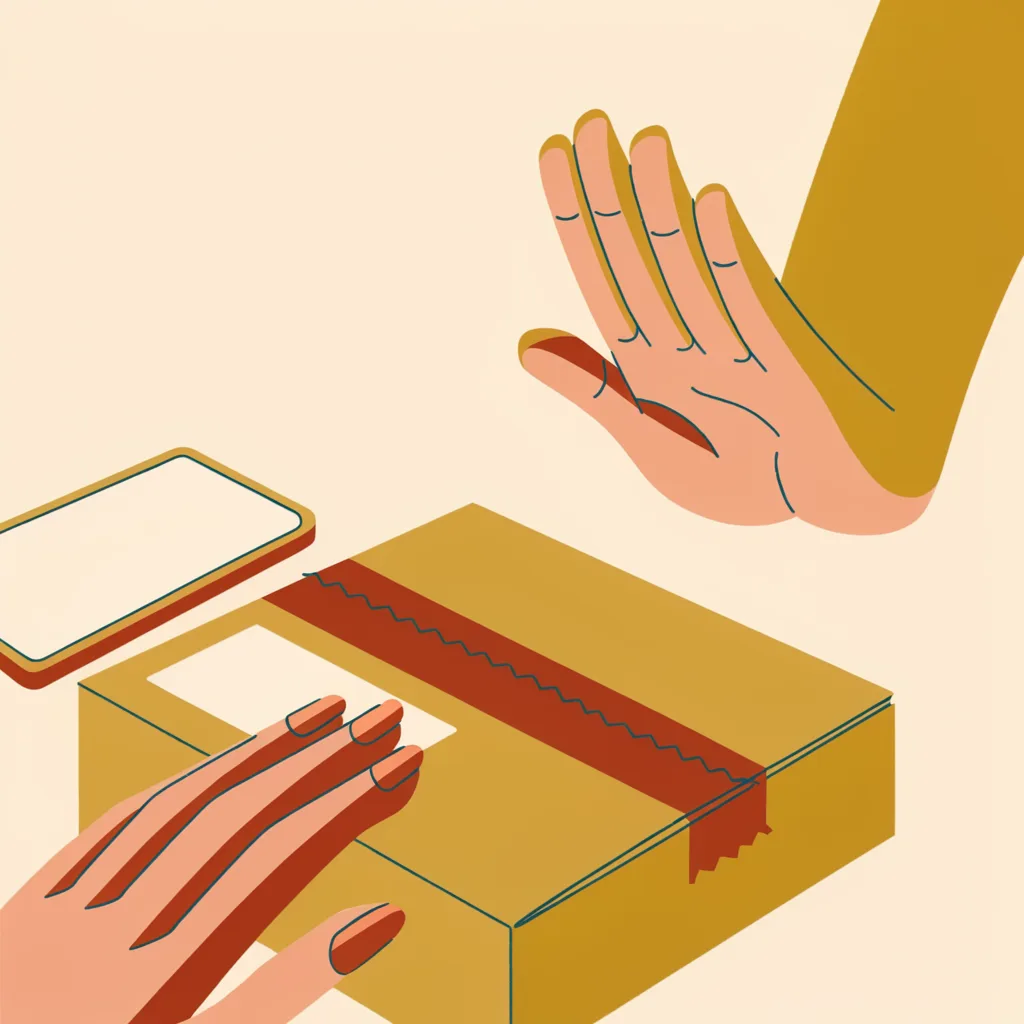
The Package Delivery Text Scam: How to Spot It Before You Tap
"USPS: your package is waiting. Confirm your delivery preference to avoid a fee." That text, or one like it from any carrier, is one of the most reported text scams in the country. The good news: it is also one of the easiest to defeat, because real carriers almost never do this.
the carrier app is the only truth
The safe delivery-text check
The fake delivery text works because everyone is expecting a package sometimes. The safe check never uses the link: the parent opens the carrier themselves and searches the tracking number.
- Do not tapThe link is the only dangerNothing in a delivery text needs an immediate answer. Tapping is the only way this scam can hurt, so the rule is simply: do not tap, do not reply.
- Go to the carrier yourselfNever through the messageOpen the app the parent already has, or type the carrier's real website address (or use a bookmark set up earlier). The bookmark is the parent's shortcut.
- Search the tracking numberThere, not in the textA real tracking number shows up in the official system. If nothing shows up, there was no package; if the text had no number at all, that is already the answer.
- If something was enteredCard, password, or moneyCard number: call the issuer now. Password: change it now, email first. Money moved: the first-hour recovery plan. Then forward the text to 7726 and report it.
The rule, in one sentence: real delivery services do not ask you to pay a fee or "confirm" anything by tapping a link in a text. Check the tracking number on the carrier's official app or website, never through the message.
Why this scam is everywhere
Everyone is expecting a package at least some of the time. That makes the fake delivery text the perfect scam: it does not need to be believable to everyone, just to the one person who is actually waiting for something. The message creates a tiny emergency, and the emergency is what gets people to tap.
The scammer is not trying to look like a real carrier to a careful observer. They only need the text to arrive when you are expecting a delivery, so that for a few seconds it feels plausible. That is why the messages are so generic: "your package could not be delivered," "confirm your address," "a redelivery fee applies."
What the fake text looks like
Real versions change constantly, but the shape is almost always the same:
- A package reference that means nothing to you. Real tracking numbers are long and specific. The fake text usually has a short code or no code at all.
- A link you are told to tap. The link looks close to the real carrier's address but is not it. Check by reading carefully: "usps-track.net" is not "usps.com."
- A fee or a deadline. "Pay 30 cents to reschedule delivery." "Your package will be returned tomorrow." The urgency is the pressure.
- A request for information. The fake page asks for your address, your card number, or a password. A real carrier never needs your card to deliver a package you already paid for.
How to check a delivery message the safe way
- Do not tap the link. Tapping is the only way this scam can hurt you. Nothing in the text requires an immediate answer.
- Go to the carrier yourself. Open the app you already have, or type the carrier's real website address yourself (or use a bookmark you set up earlier). Do not use the link from the text.
- Look up the tracking number there. If the message had a real tracking number, it will show up in the official system. If nothing shows up, there was no package. If the text had no tracking number at all, that is already the answer.
- Ask yourself the test question. "Did this carrier ever text me before?" For most people the answer is no, and that is the whole story.
The script to teach a parent
Print this and keep it near the phone or tablet. Short enough to actually get used:
What to do if you or your parent already tapped
Tapping once is not the disaster. The page is what matters. Work through this in order:
- If you only looked, close the page and delete the text. Nothing was lost.
- If you entered a card number, call the card issuer right away and tell them the card may be compromised. They will cancel and reissue it. Do not wait to see if something happens.
- If you entered a password, change that password now, and change it on any other account that uses the same one. If it was an email password, change it first, before the bank.
- If money moved, the first hour matters. See Your parent sent money to a scammer. Now what? for the ordered recovery steps.
Then report it: forward the text to 7726 (SPAM), which works for most carriers, and report the message at reportfraud.ftc.gov. If the text pretended to be from the US Postal Service, report it at uspis.gov/report.
How to set a parent up so this never works
The delivery text works because it arrives with no context. You can remove that advantage in one sitting:
- Bookmark the real pages. On their phone or tablet, bookmark the carrier sites they actually use. Now "go to the website yourself" means "tap the bookmark you already have."
- Turn on delivery notifications in the real apps. If USPS, UPS, FedEx, or Amazon notifications are set up inside the official app, your parent learns what real messages look like. Fakes stand out next to them.
- Agree on the one rule. "We never tap links about packages. We check the app." A one-sentence rule is easier to remember than a paragraph.
- Do not install a tracking app from a text. Any app that arrives by text message link is suspect. Apps come from the official app store, by name.
Related
- How to verify any message independently: the same habit, applied to banks, utilities, and tech support.
- The first-hour playbook: when a suspicious message has already arrived, including what to say to your parent afterward.
- Your parent sent money to a scammer. Now what?: the recovery order when money actually moved.
- Scam Risk Check: paste the message, get a risk band, in your browser.
Sources
- USPS Postal Inspection Service: Smishing and package tracking scams (retrieved August 2026)
- FTC: How To Avoid a Scam (retrieved August 2026)
- FTC: Scams against older adults (retrieved August 2026)
Found an error? Report it.