Simplify a TV Setup and Remote
Most "the TV is broken" calls are actually "the TV is on the wrong input" calls. You can fix the majority of setups in one visit with zero purchases: here's the system.
parent tech support
The remote is not always the problem.
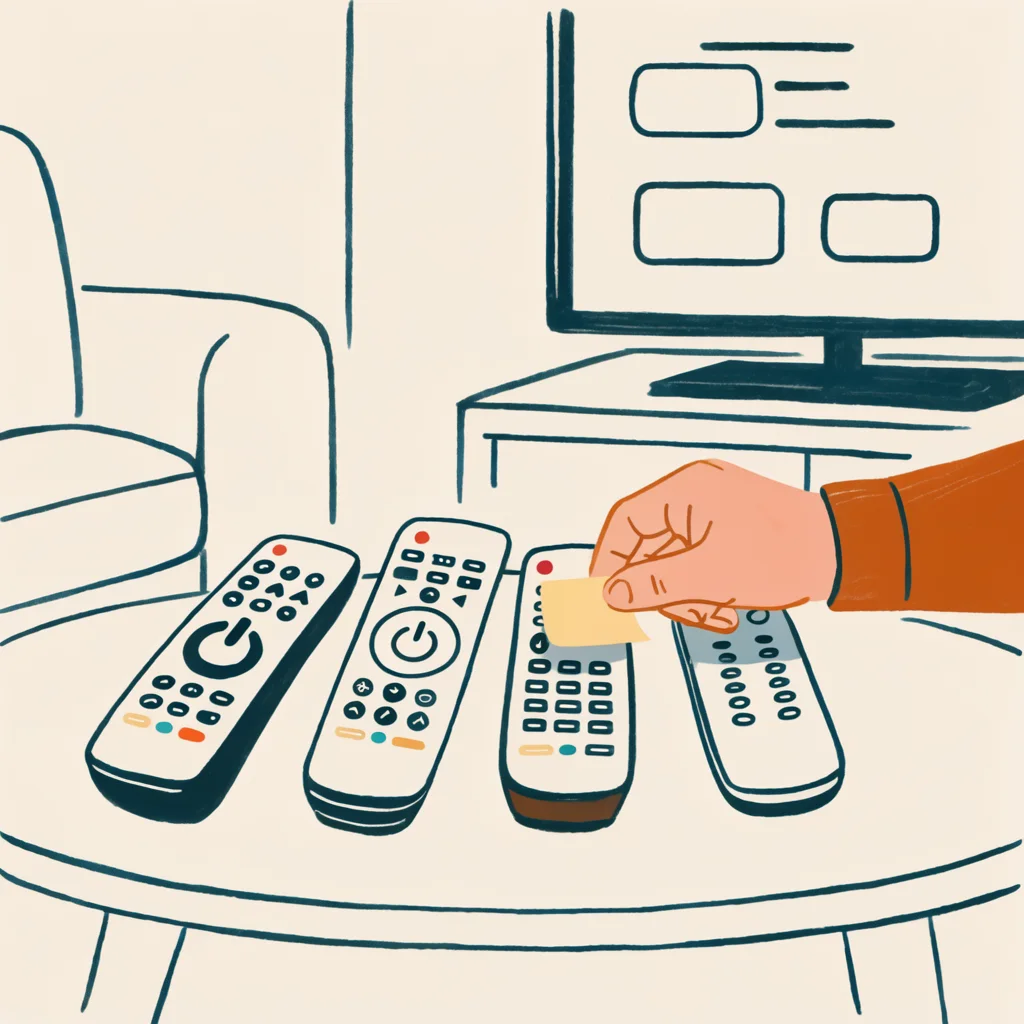
Most TV calls start with the wrong input, three remotes, and one box nobody remembers. Send the simple rule first: one box in charge, two remotes max, inputs labeled.
one box in charge, one cheat sheet
The TV and remote setup map
The one-visit system: decide which box is in charge, put away the remotes they do not need, label the inputs, turn on captions, write the cheat sheet, and test it together.
- Step 1One box is in chargeIf they watch cable, the cable box controls power and volume; if they stream, the streaming device is in charge. One device rules and the other becomes a dumb screen, so the parent presses one remote, not three.
- Step 2Put away the remotes they do not needThe TV's own remote stays for input switching, the DVD remote goes in a drawer: two remotes on the coffee table max, one primary and one backup.
- Step 3Label the inputs and turn on captionsWrite on a label or use the TV's rename feature: "Cable box," "Roku," "DVD." The single biggest source of "the TV doesn't work" is HDMI 1 versus HDMI 2. And turn on captions with larger text before the parent asks.
- Step 4The cheat sheet and the testOne index card taped to the back of the remote: "Press Input until you see Cable box. If the screen is black, check that the box is on." Then walk through turn on, switch input, change volume, turn off twice together. Big-button remotes come later: sort the system first, or you have just added a third remote.
The one-visit system
- Decide which box is in charge. If they watch cable, the cable box should control power and volume (its remote, or program the TV remote to control it). If they stream, the streaming device is in charge. One device rules; the other becomes a dumb screen.
- Put away the remotes they don't need. The TV's own remote stays for input switching. The DVD remote goes in a drawer. Two remotes on the coffee table, max: one primary, one backup.
- Label the inputs. If the TV has multiple HDMI ports, write on a label (or use the TV's rename feature): "Cable box," "Roku," "DVD." The single biggest source of "the TV doesn't work" is HDMI 1 versus HDMI 2.
- Turn on captions. TV menu → Accessibility/Captions → On, larger text if offered. Do this before they ask for it.
- Write the cheat sheet. One index card, taped to the back of the remote or the side of the TV: "Press Input until you see Cable box. Volume works on this remote. If the screen is black, check that the box is on."
- Test it together. Walk through "turn it on, switch input, change volume, turn it off" twice while you're there. That's the whole training course.
Why "just get them a simpler remote" isn't the first answer
Big-button remotes fix a real problem (tiny buttons, many buttons), but they don't fix the system problem: which input, which remote, which box. If you buy a simplified remote before sorting the setup, you've added a third remote. Sort the system first. If the parent still struggles with button size or count, then a simpler remote is worth it: see our decision guide, which covers who should skip it.
The scams that live in TV setups
Two things to watch: fake "TV activation" calls/websites that ask for credit card numbers to "activate" a streaming app (real apps never do this), and "your TV has a virus / your warranty expired" cold calls. The rule from verify independently applies: never use the contact info from the call.
Related
- Explain It: printable steps for switching inputs and turning on captions
- Simple TV remotes: worth it or not?
- Make their phone easier too
Sources
- TV menus differ by brand; brand support sites are authoritative. This page is general method, not brand-specific: reviewed 2026-08-07 against common TV and streaming-device menus.
Found an error? Report it.